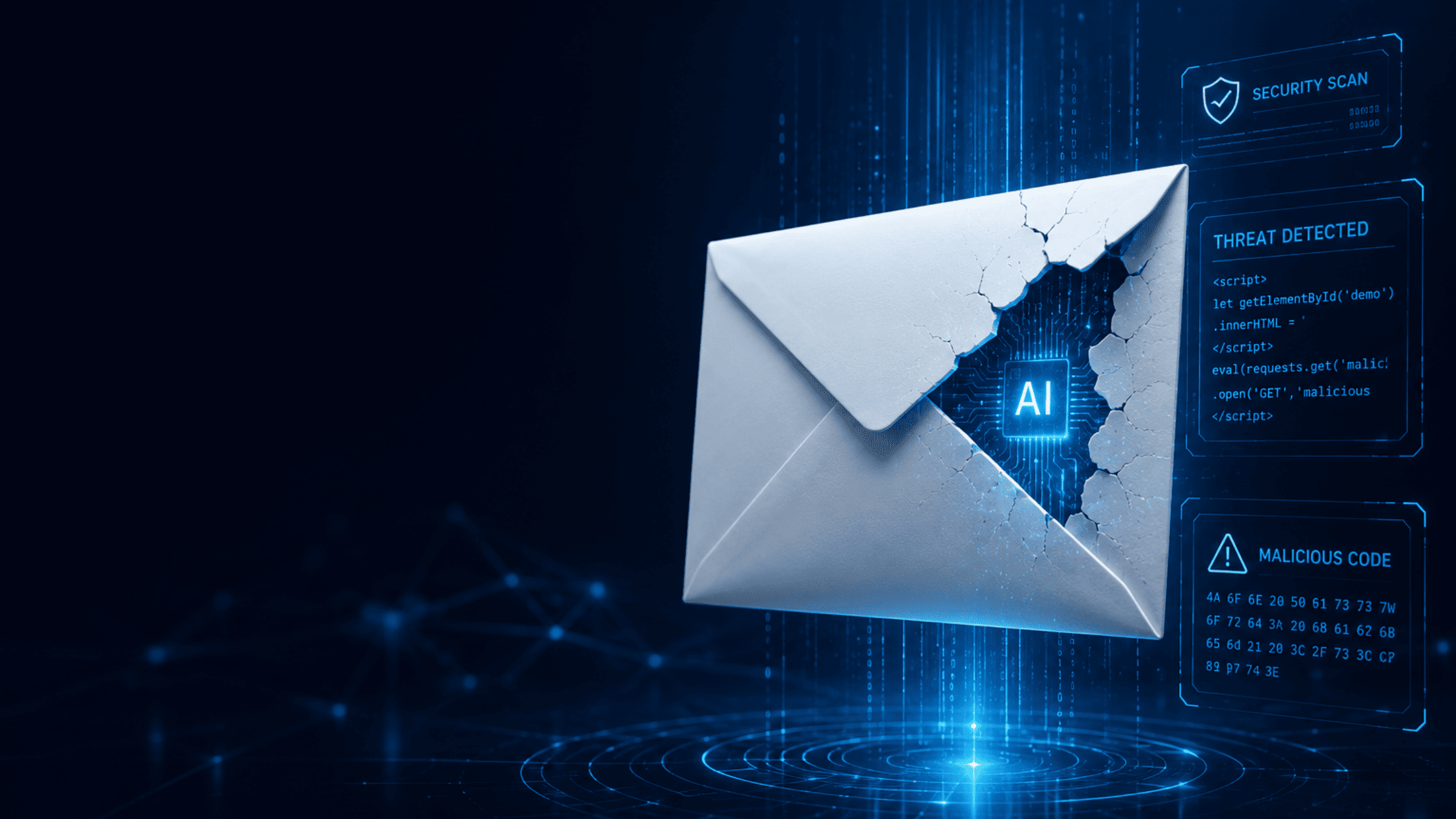
Phishing emails have always been one of the biggest cybersecurity threats, but artificial intelligence has changed the game. Today’s cybercriminals are using AI to create highly convincing emails that mimic trusted brands, colleagues, and even executives. These attacks are becoming more difficult to detect, putting businesses of every size at risk.
For small and medium-sized businesses, a single successful phishing attack can result in financial losses, data breaches, ransomware infections, and damaged customer trust. Understanding how AI-powered phishing works is the first step toward protecting your organisation.
What Are AI-Powered Phishing Emails?
Unlike traditional phishing emails that often contained spelling mistakes or suspicious wording, AI-generated phishing emails are professionally written, personalised, and grammatically correct.
Cybercriminals use AI tools to:
- Write convincing emails within seconds
- Personalise messages using publicly available information
- Mimic your company’s writing style
- Create fake invoices and payment requests
- Impersonate executives or trusted vendors
The result is a phishing email that looks legitimate enough to fool even experienced employees.
Why AI Makes Phishing More Dangerous
Artificial intelligence allows attackers to launch sophisticated campaigns faster and at a much larger scale.
Some of the biggest risks include:
- Personalised messages that reference your company or employees
- Perfect grammar and professional formatting
- Realistic business language
- Faster creation of thousands of unique phishing emails
- Improved success rates compared to traditional phishing scams
Employees can no longer rely on poor spelling or awkward wording as warning signs.
Common Signs of an AI-Powered Phishing Email
Although these emails are becoming more convincing, there are still warning signs to watch for.
Look for:
- Unexpected requests for payments or gift cards
- Emails asking you to verify passwords or login credentials
- Urgent requests that create pressure
- Slightly altered email addresses
- Suspicious links or unexpected attachments
- Requests to bypass normal company procedures
Always verify unusual requests through another communication method before taking action.
Best Practices to Protect Your Business
1. Train Employees Regularly
Employee awareness remains one of the strongest defences against phishing attacks.
Provide ongoing cybersecurity training that teaches staff how to identify suspicious emails and report them immediately.
2. Enable Multi-Factor Authentication (MFA)
Even if passwords are stolen, MFA adds an extra layer of protection by requiring additional verification before granting access.
3. Deploy Advanced Email Security
Modern email security solutions can detect suspicious messages before they reach employee inboxes.
Look for features such as:
- AI-powered threat detection
- Spam filtering
- URL scanning
- Attachment sandboxing
- Domain spoofing protection
4. Keep Software Updated
Outdated operating systems and applications often contain vulnerabilities that attackers exploit after gaining access.
Regular patch management reduces this risk.
5. Verify Financial Requests
Never process payment requests based solely on an email.
Confirm any unusual request by calling the sender or using another trusted communication channel.
6. Monitor Your Network
Continuous monitoring helps detect suspicious behaviour before it becomes a major incident.
Managed IT providers can monitor systems around the clock and respond quickly to potential threats.
7. Maintain Secure Backups
If a phishing attack leads to ransomware, reliable backups can significantly reduce downtime and data loss.
Store backups securely and test them regularly.
What Should You Do If Someone Clicks a Phishing Email?
If an employee accidentally interacts with a phishing email:
- Disconnect the affected device from the network.
- Notify your IT team immediately.
- Change compromised passwords.
- Run a full security scan.
- Review email logs for additional suspicious activity.
- Monitor systems for unusual behaviour.
Responding quickly can minimise the impact of an attack.
How Excellent Networks Can Help
Protecting your business from AI-powered phishing requires more than antivirus software. A proactive cybersecurity strategy includes employee education, advanced email protection, continuous monitoring, regular updates, and rapid incident response.
At Excellent Networks, we help businesses strengthen their cybersecurity with managed IT services, email security solutions, endpoint protection, backup and disaster recovery, and ongoing security monitoring. Our team works proactively to reduce cyber risks so you can focus on running your business with confidence.